Animate a product or campaign still
Start with one approved hero image and add a push-in, rotation, reveal, lighting change, or environmental motion.
Imagine Video 1.5
Generate a short video from text or one source image.
Use the Grok Imagine 1.5 Preview profile for 1 to 15 second clips at 480p or 720p. For a broader workflow that includes every supported video model, use Grok Image to Video.
Your video preview will appear here.
Set your options on the left, then start a generation.
Explore the examples, compare the visual choices, and open a card for a prompt or input guide. Published source records and editorial reference prompts are distinguished below. File dimensions and duration describe the downloaded asset.
Start with a scene brief. For editing or animation, add the matching reference inputs requested by the generator.
Play the clip and inspect the beginning, middle and end. Compare the subject, motion, camera path and sound; a thumbnail cannot establish temporal consistency.
These are selected external examples, not a promise that a prompt will reproduce the same result. Model versions, references and settings can change the outcome.
Source review: 2026-09-08. Preview dimensions are measured from the original files.
Model example
Grok Imagine Video 1.5 model-page example.
640 × 360 · 10.1 s
Editorial reference prompt
Create a short video showing figure swinging between city buildings. Establish the subject before introducing movement. Use one readable camera move and keep the scene consistent through the final frame.
Written from the visible scene as a starting point; this is not an original generation log.
Creative reference
For framing or visual direction; not a verified output from this tool.
1280 × 720 · 6 s
Editorial reference prompt
Create a short video showing panda in a bright living room. Establish the subject before introducing movement. Use one readable camera move and keep the scene consistent through the final frame.
Written from the visible scene as a starting point; this is not an original generation log.
Creative reference
For framing or visual direction; not a verified output from this tool.
1280 × 720 · 6.8 s
Editorial reference prompt
Create a short video showing singer performing with a band. Establish the subject before introducing movement. Use one readable camera move and keep the scene consistent through the final frame.
Written from the visible scene as a starting point; this is not an original generation log.
Model example
Grok Imagine Video 1.5 model-page example.
1920 × 1080 · 15.1 s
Open original videoEditorial reference prompt
Create a short video showing portrait with a hair accessory. Establish the subject before introducing movement. Use one readable camera move and keep the scene consistent through the final frame.
Written from the visible scene as a starting point; this is not an original generation log.

Input reference
For framing or visual direction; not a verified output from this tool.
1168 × 784
Editorial reference prompt
Create a composition showing woman seated at a desk. Specify the main subject, its placement and the lighting. Keep the background coherent and check small details at the intended output size.
The source pairs this asset with a published prompt or playground settings. The editable brief here is an editorial adaptation; open the source for its complete record.
Published example settings
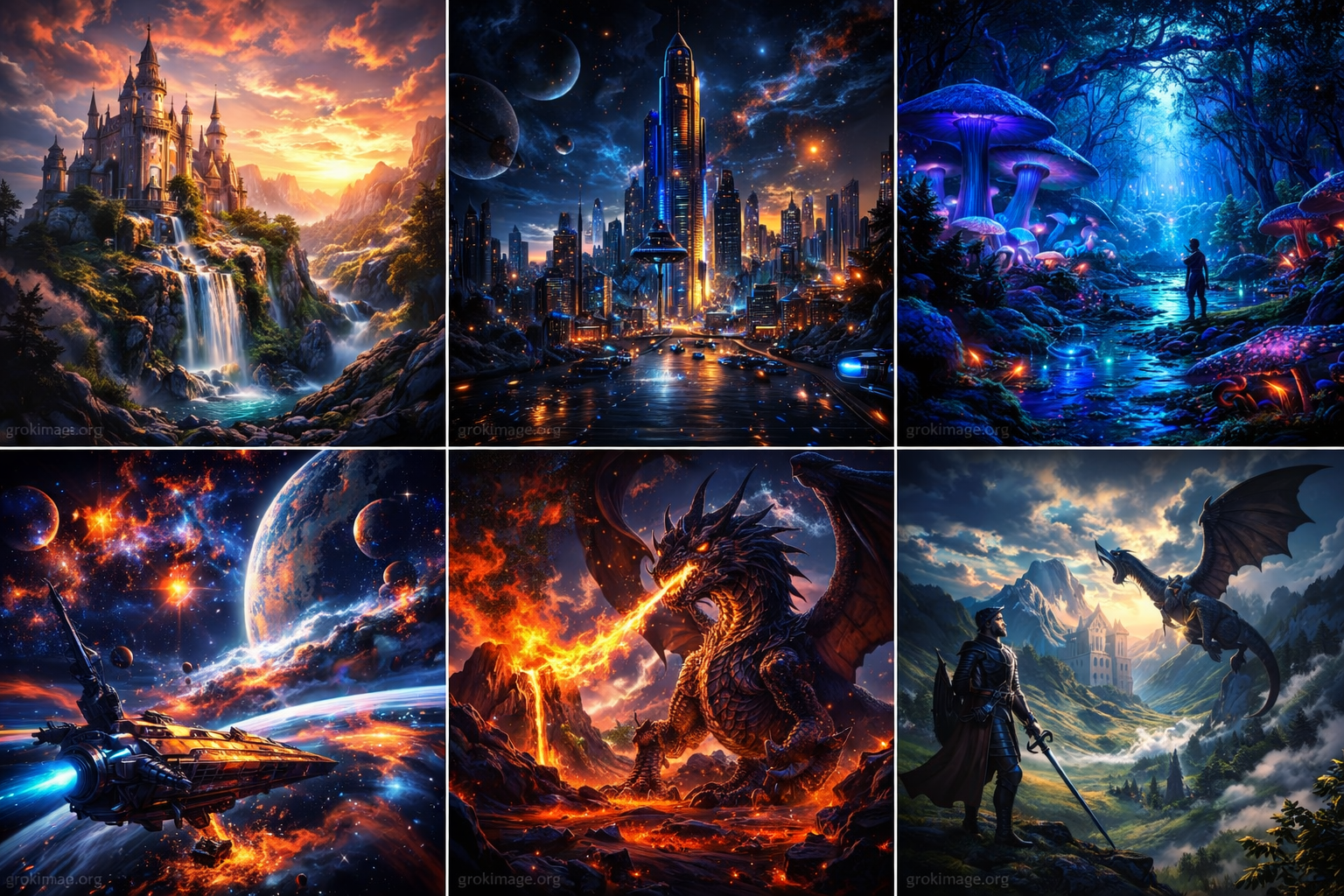
This model-specific workflow creates one short clip from either a text prompt or one uploaded image. It is useful when you want to direct subject movement, camera behavior, pacing, and atmosphere without leaving the current page.
Describe the subject, action, camera direction, and setting when you want to begin without a source frame.
Upload one image up to 20 MB, then describe what should move while keeping the source composition recognizable.
Choose any duration from 1 to 15 seconds. Longer clips and higher resolution consume more credits.
Use auto, 1:1, 16:9, 9:16, 3:2, or 2:3 framing and select either 480p or 720p output.
Move from an idea or source frame to a playable result in three direct actions.
Write the full scene for text to video, or upload one clear source image for image to video.
Describe subject motion and camera movement, then select duration, aspect ratio, and resolution.
Submit the task, wait for the returned clip, inspect the motion, and download or revise the direction.
These public X posts show official and creator-published results. Each post remains hosted by X with its original author and source link; exact prompts are not presented when the creator did not publish them.
The official launch post demonstrates realistic subjects, directed movement, environmental physics, and cinematic framing across multiple short examples.
Embedded from @SpaceXAI on X. The creator did not publish the exact generation prompt with this post.
Heavy Pulp uses close framing, expressive character motion, and shot-to-shot editing to build a dialogue scene. A generation on this page still returns one clip per task.
Embedded from @heavypulp on X. The creator did not publish the exact generation prompt with this post.
This creator-labeled G.I. 1.5 example pairs an oversized animal subject with human-scale movement and a wide environmental composition.
Embedded from @dvorahfr on X. The creator did not publish the exact generation prompt with this post.
Use the same short-video workflow when the final task is defined by motion, framing, and a clip-length result.
Start with one approved hero image and add a push-in, rotation, reveal, lighting change, or environmental motion.
Test a single action, reaction, or camera move before combining selected clips in an external editor.
Choose vertical, square, or landscape framing for an opening beat, teaser, reveal, or post-ready motion concept.
Animate illustration, character art, surreal scenes, or concept frames while keeping the source image as the visual anchor.
The controls in the generator always show what is available right now. Check them before spending credits.
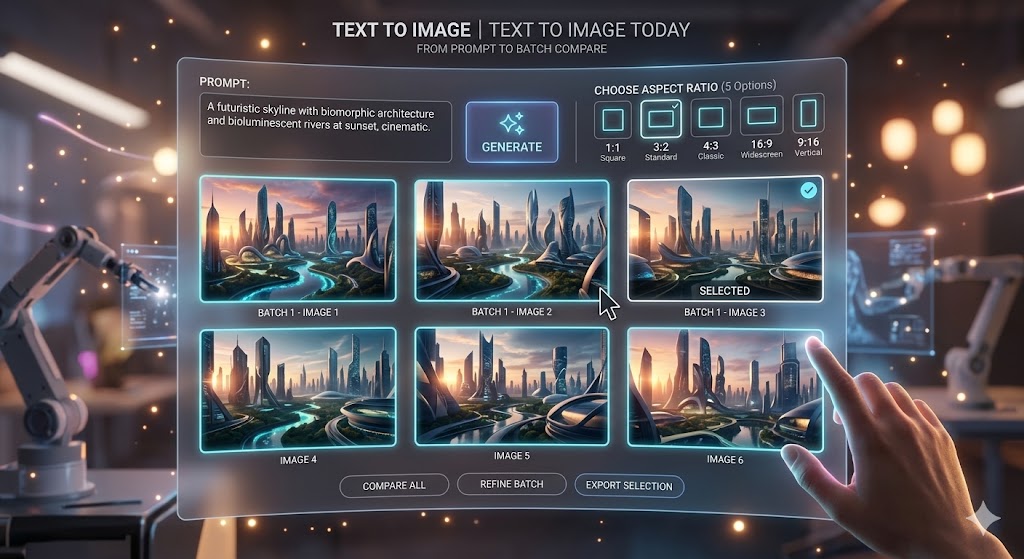
Answers about the current generator and its limits.
Yes. Text to video begins with a written scene. Image to video accepts one source image and a motion prompt for the returned clip.
Choose any duration from 1 to 15 seconds and either 480p or 720p. Available aspect ratios are auto, 1:1, 16:9, 9:16, 3:2, and 2:3.
No. This page covers the Grok Imagine Video 1.5 Preview settings available on Grok Image. Features that are not in the controls, including 1080p and multi-reference or voice-reference input, are not available here.
The embedded posts do not publish the exact prompts. Use them to study motion, framing, and scene structure, then write an original prompt in the generator above.
Sign in to use the credits on your account. The current cost appears before submission, and a failed generation is refunded automatically.
Start with text or one image in the generator above. If the source frame needs work first, create it with Grok Image Generator; to compare other supported video models, use Grok Image to Video.