Poster and campaign concepts
Prototype key art, launch posters, event graphics, and headline-led compositions where layout and readable copy must work together.
Imagine Image 2.0
Review the new model, study public X results, and start an image workflow.
Create with this model, edit with up to five references, or detect and change selected areas. For the full image workflow, open Grok Image Generator.
Your image preview will appear here.
Set your options on the left, then start a generation.
Explore the examples, compare the visual choices, and open a card for a prompt or input guide. Published source records and editorial reference prompts are distinguished below. File dimensions and duration describe the downloaded asset.
Start with a scene brief. For editing or animation, add the matching reference inputs requested by the generator.
Compare framing, text, subject geometry and lighting. Inspect important details at the final display size before accepting a composition or edit.
These are selected external examples, not a promise that a prompt will reproduce the same result. Model versions, references and settings can change the outcome.
Source review: 2026-09-08. Preview dimensions are measured from the original files.

Creative reference
For framing or visual direction; not a verified output from this tool.
1024 × 1024
Editorial reference prompt
Create a composition showing figure in a neon-lit city. Specify the main subject, its placement and the lighting. Keep the background coherent and check small details at the intended output size.
Written from the visible scene as a starting point; this is not an original generation log.

Model example
Grok Imagine Image 2.0 model-page example.
1024 × 1024
Editorial reference prompt
Create a composition showing white car in a desert landscape. Specify the main subject, its placement and the lighting. Keep the background coherent and check small details at the intended output size.
Written from the visible scene as a starting point; this is not an original generation log.

Creative reference
For framing or visual direction; not a verified output from this tool.
1024 × 1024
Editorial reference prompt
Create a composition showing armored figure at sunset. Specify the main subject, its placement and the lighting. Keep the background coherent and check small details at the intended output size.
Written from the visible scene as a starting point; this is not an original generation log.

Model example
Grok Imagine Image 2.0 model-page example.
768 × 1152
Editorial reference prompt
Create a composition showing man playing a trumpet in a cafe. Specify the main subject, its placement and the lighting. Keep the background coherent and check small details at the intended output size.
Written from the visible scene as a starting point; this is not an original generation log.
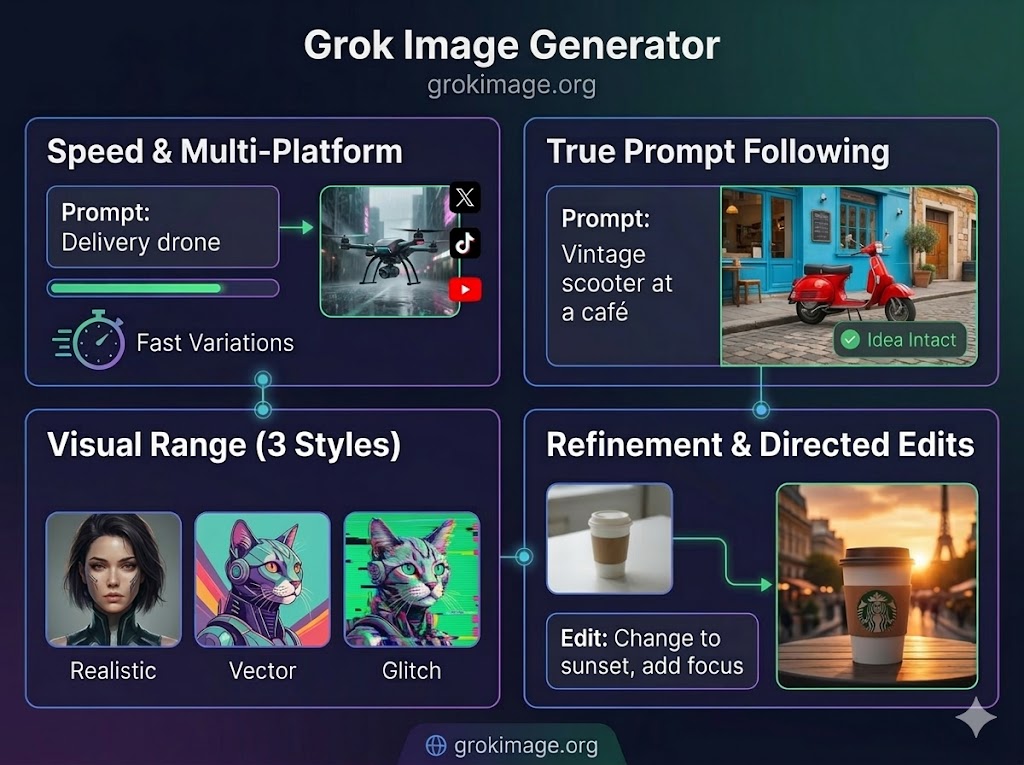
The new Image 2.0 release is xAI's newly announced image model and Quality Mode experience. The official launch focuses on precise edits, more legible text, stronger factuality, and practical creative work. Those are xAI's own announcements; the controls on this page show what you can actually generate on Grok Image today.
xAI presents the release as a way to change selected details while preserving the parts of an image that should stay intact.
The official announcement highlights clearer text for posters, labels, layouts, and other images where typography matters.
The release is positioned for useful assets such as campaign art, product concepts, posters, social graphics, and directed edits.
The generator uses the documented Image 2.0 model family and only sends the settings shown in the workbench.
Use the release examples as research, then create an original result with the model that is actually selected in the generator.
Review the credited X posts below for composition, typography, lighting, and range without treating unpublished prompts as public facts.
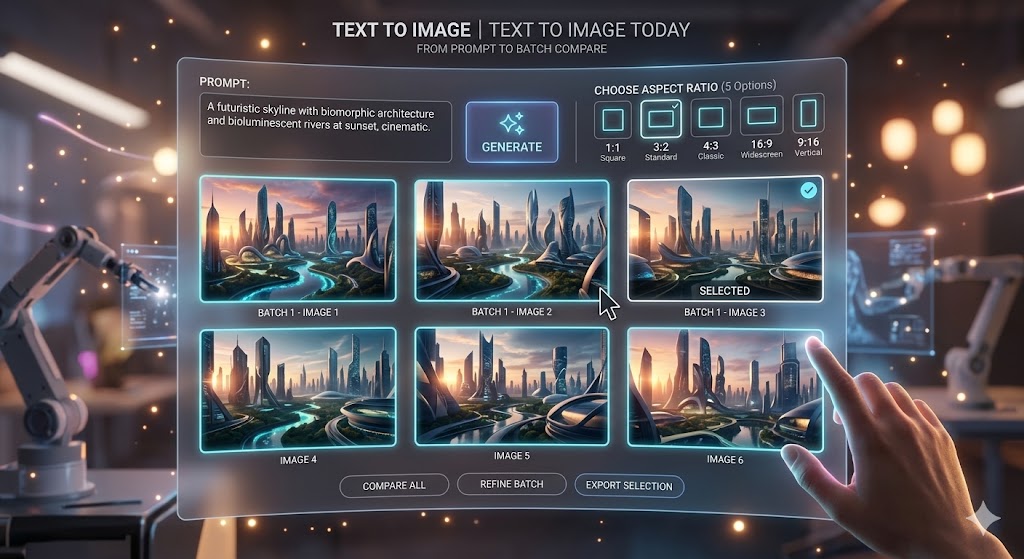
Describe a new image, add one to five references for an edit, or select a site-owned result when you want to detect editable areas.
Confirm the active mode and credit cost. Area editing first returns masks, then applies your prompt to the indexes you select.
These public X posts include the official announcement and creator-published Image 2.0 results amplified by the verified Grok Imagine account. Each example stays hosted by X with its original author and source link; prompts are not invented when the author did not publish them.
The verified @grok launch post names precision editing, crisp text rendering, improved factuality, and real-world usefulness as the release priorities.
Original starter prompt
Design a clean editorial launch poster for a fictional creative tool named NORTHLIGHT. Use a cobalt and warm-white palette, one geometric light beam, generous negative space, and crisp readable typography that says “CREATE WITH CLARITY” and “NORTHLIGHT 2.0”. Premium technology campaign, vertical composition, no existing brand logos.
Embedded from @grok on X. The creator did not publish the exact generation prompt with this post. The starter prompt above was written by Grok Image to explore a similar direction with the model currently selected in the generator.
Dogan Ural labels this four-image poster set as made with Image 2.0, showing portrait layouts, dramatic lighting, and prominent display typography.
Original starter prompt
Create a vertical cinematic movie poster for a fictional science-fiction film titled “THE LAST SIGNAL”. A lone radio operator stands on a storm-lit coastal tower while a narrow beam crosses the clouds. Add the readable title at the top and the line “SOME MESSAGES SHOULD STAY LOST” below it. Moody teal and amber lighting, premium theatrical key art, no real actors or studio logos.
Embedded from @doganuraldesign on X. The creator did not publish the exact generation prompt with this post. The starter prompt above was written by Grok Image to explore a similar direction with the model currently selected in the generator.
Rafael Soh shares four selected Image 2 results with cinematic framing, stylized environments, and different subject treatments in a consistent wide format.
Original starter prompt
A solar-powered research sailboat crossing a glassy polar inlet at blue hour, low mist drifting between dark mountains, a small crew in red weather jackets for scale, panoramic cinematic framing, restrained color grade, natural reflections, editorial adventure photography, 16:9 landscape.
Embedded from @rafsoh on X. The creator did not publish the exact generation prompt with this post. The starter prompt above was written by Grok Image to explore a similar direction with the model currently selected in the generator.
The official release is aimed at practical image work. These are useful directions to study in the launch examples and test with whichever supported model is selected above.
Prototype key art, launch posters, event graphics, and headline-led compositions where layout and readable copy must work together.
Explore packaging, hero shots, product scenes, material treatments, and advertising directions before a full production pass.
Plan focused changes to colors, backgrounds, objects, or selected regions while keeping important subjects and composition stable.
Create vertical, square, or landscape concepts for posts, covers, explainers, and story-led image sets.
What xAI announced and what you can use on Grok Image today are not always the same, so both are listed here.
Answers about the release, the X examples, and the generator available on this page.
Yes. Imagine Image 2.0 is the shorter name used in the official launch, while Grok Imagine Image 2.0 makes the product family explicit. This page covers both names on one canonical URL.
Yes. The verified @grok account announced it on August 8, 2026, and the verified @imagine account directed users to try it on grok.com/imagine.
Yes. Creation, reference editing, and selected-area editing on this site run on the Image 2.0 models. Grok Image is an independent product and is not run by xAI.
The default Image 2 profile creates from a prompt, edits with one to five references, and maps then edits selected areas from a site-owned result. It shows every image the model returns instead of promising a fixed number.
Only when the original author publishes a prompt. These selected posts do not provide complete prompts, so the page credits the source and labels its own starter prompts separately. Those original prompts explore a similar direction without claiming to reproduce the creator's result.
Sign in to use account credits. The selected model and settings determine the cost shown before submission, and failed generations are refunded automatically.
Use the X examples as visual research, then write your own prompt in the generator above. To compare every image model and supported setting in one place, continue with Grok Image Generator; animate a finished still with Grok Image to Video.