X-ready cover images
Create striking visuals for posts, replies, threads, and trend content that need stop-and-look energy.
Image Generator
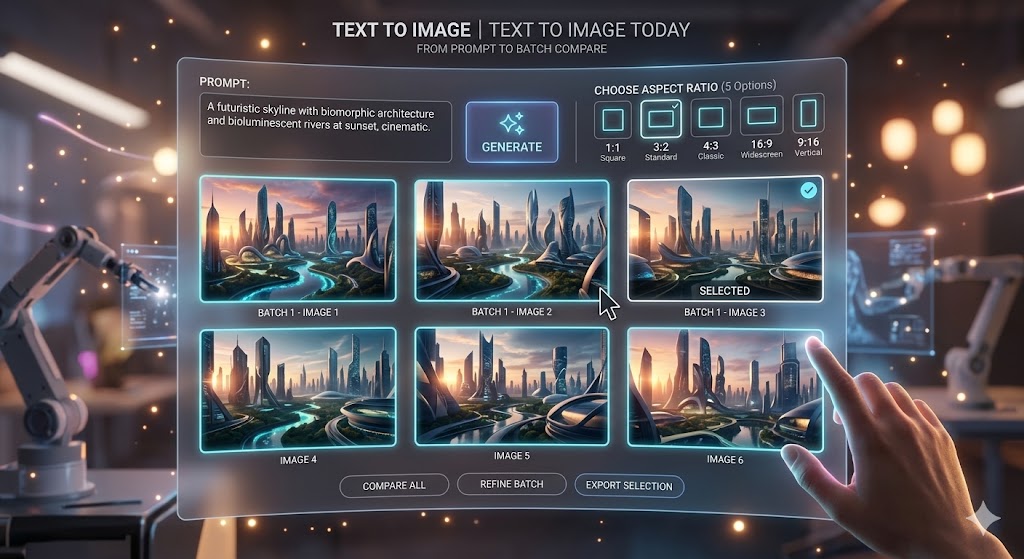
Create up to six Grok text-to-image results, one reference-image remix, or one GPT Image 2 output.
Start with a prompt or reference image, choose a format, then animate the strongest result with Grok Image to Video.
Your image preview will appear here.
Set your options on the left, then start a generation.
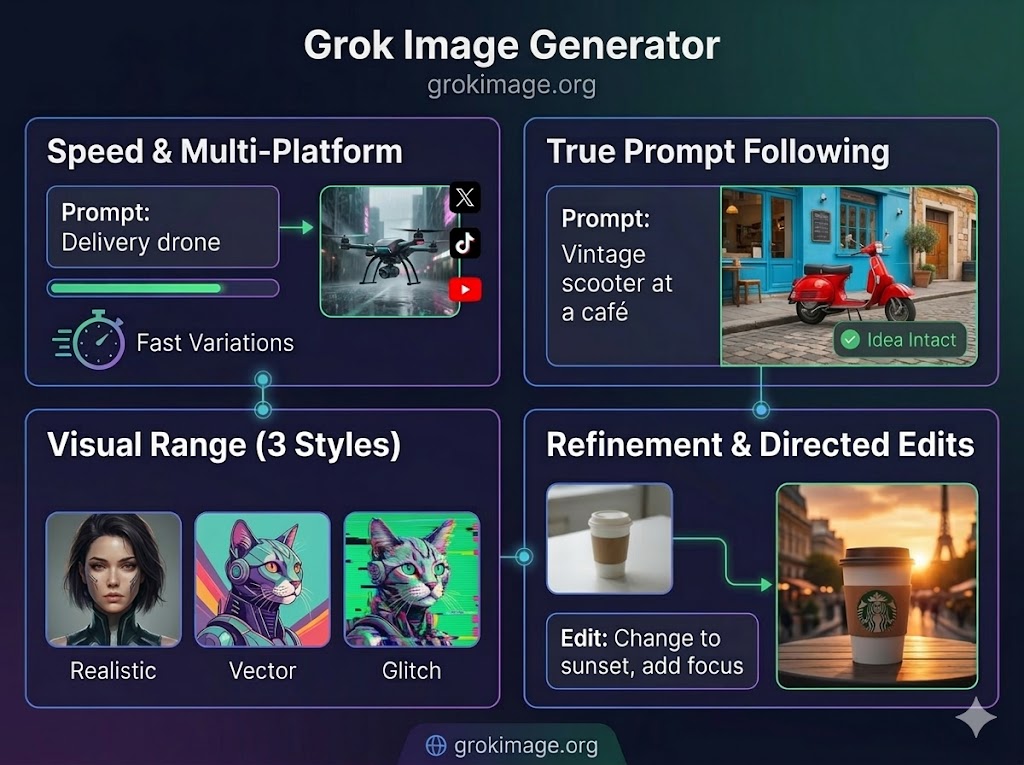
This workflow turns an idea, campaign hook, or reference frame into visuals that stop the scroll. It is strongest when you want sharper instruction following, richer visual range, and fast variations for social channels, launches, and promos.
Use it for first-frame visuals that need instant hook value across posts, short-form feeds, and crowded video pages.
Grok stands out when you need the subject, mood, and visual hook to stay close to what you actually asked for.
Move from realistic product shots to stylized art, bold culture visuals, or louder campaign images without changing tools.
When one frame is close but not finished, use a source image to push style, lighting, layout, or energy in a cleaner direction.
Move from an idea to comparable image results in three direct actions.
Write a focused prompt, or upload a reference image when you already have a frame worth reshaping.
Select the model, aspect ratio, and resolution that fit the channel where the image will be used.
Review the returned results, download the strongest image, or continue with the winning frame in the video generator.
These examples show the kinds of social-first visuals this workflow is built for: stronger hooks, sharper covers, and images that need to land fast.
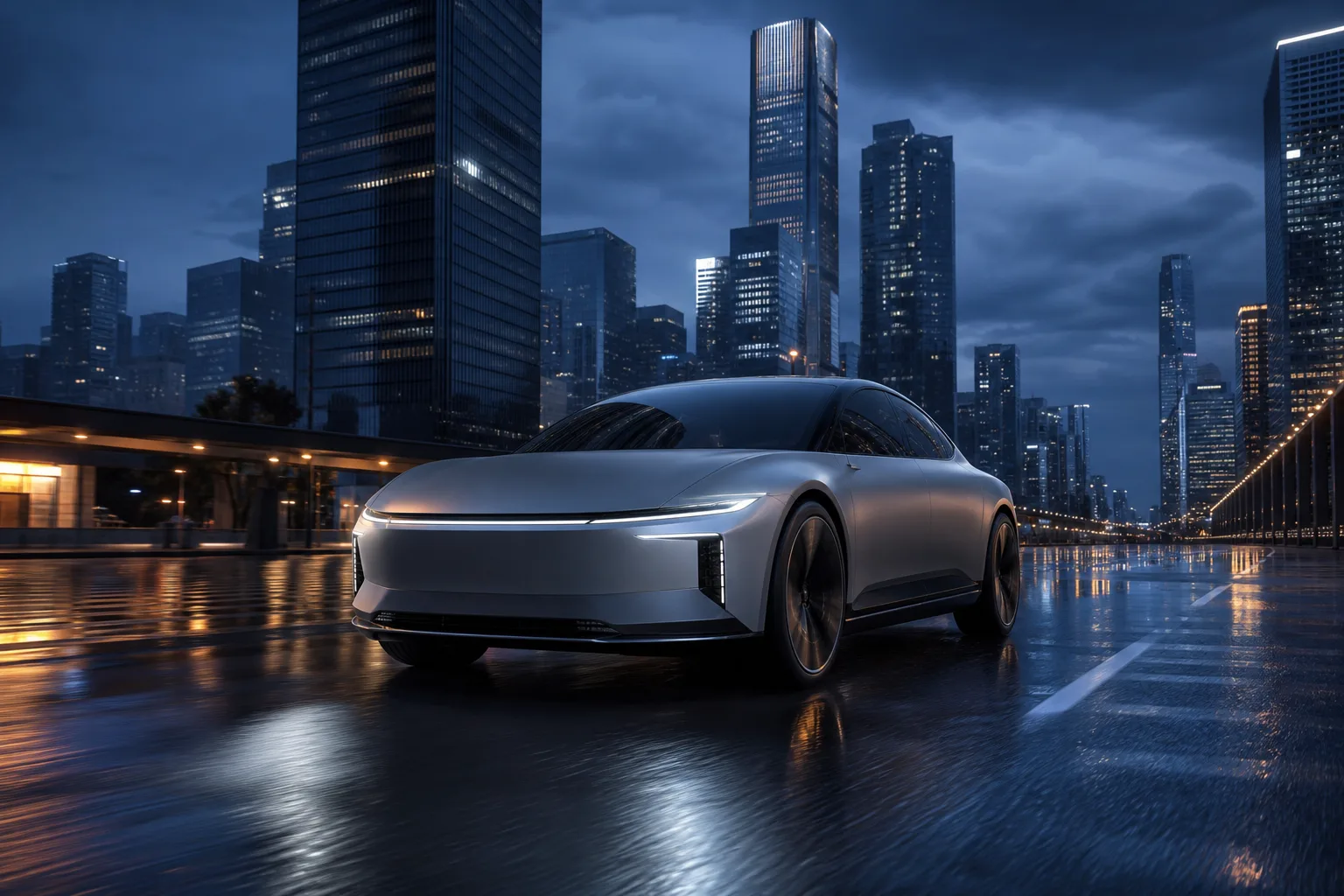
A campaign-style automotive result with controlled reflections, a clear subject, and a cinematic city backdrop.
Prompt
A matte silver electric concept car driving through a rain-slick futuristic city at blue hour, low three-quarter angle, controlled reflections, premium campaign photography.
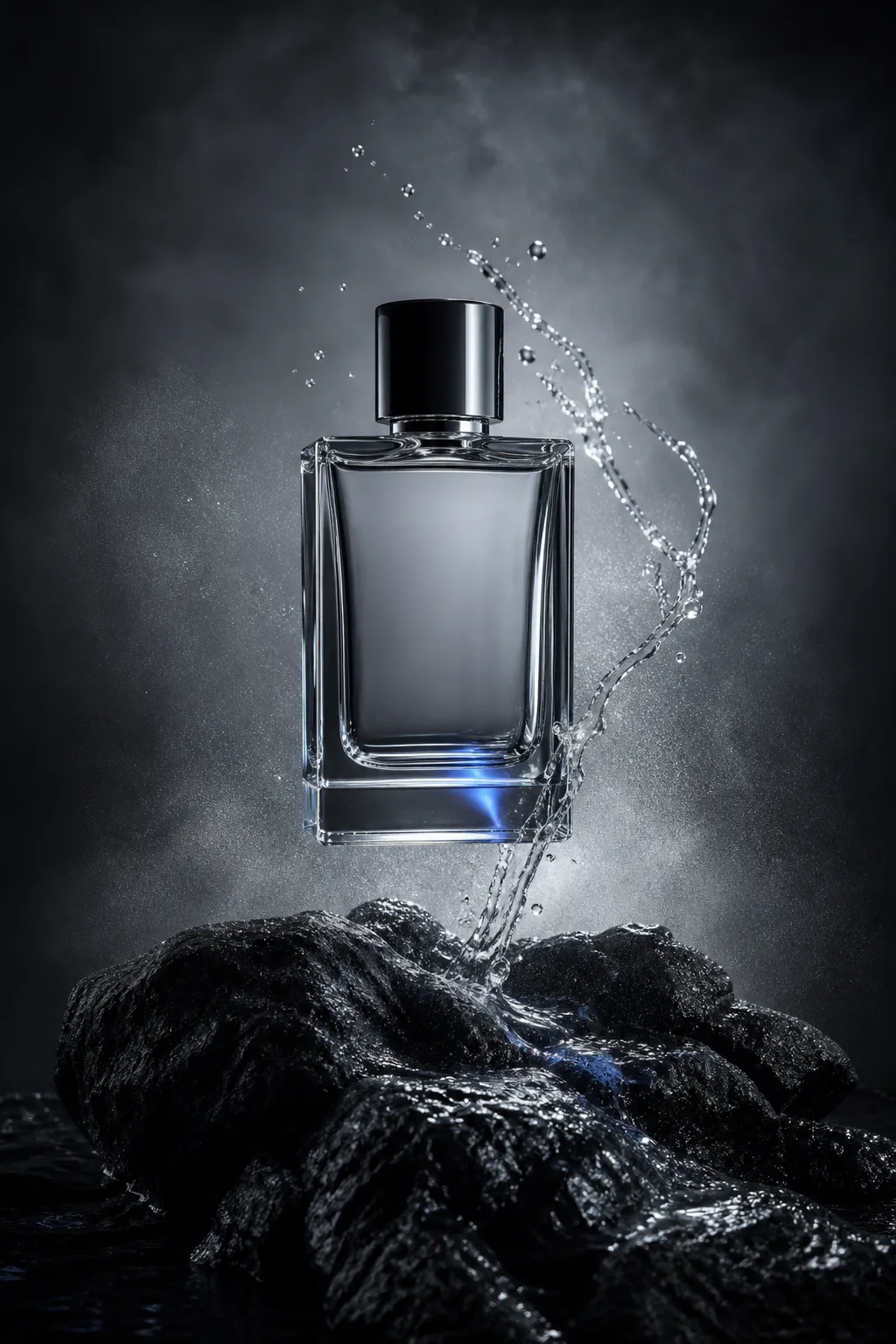
A vertical product result built around glass, water, mist, and restrained studio light.
Prompt
An unbranded clear perfume bottle hovering above black volcanic stone with a ribbon of water and mist, cold silver rim light, premium studio photography.
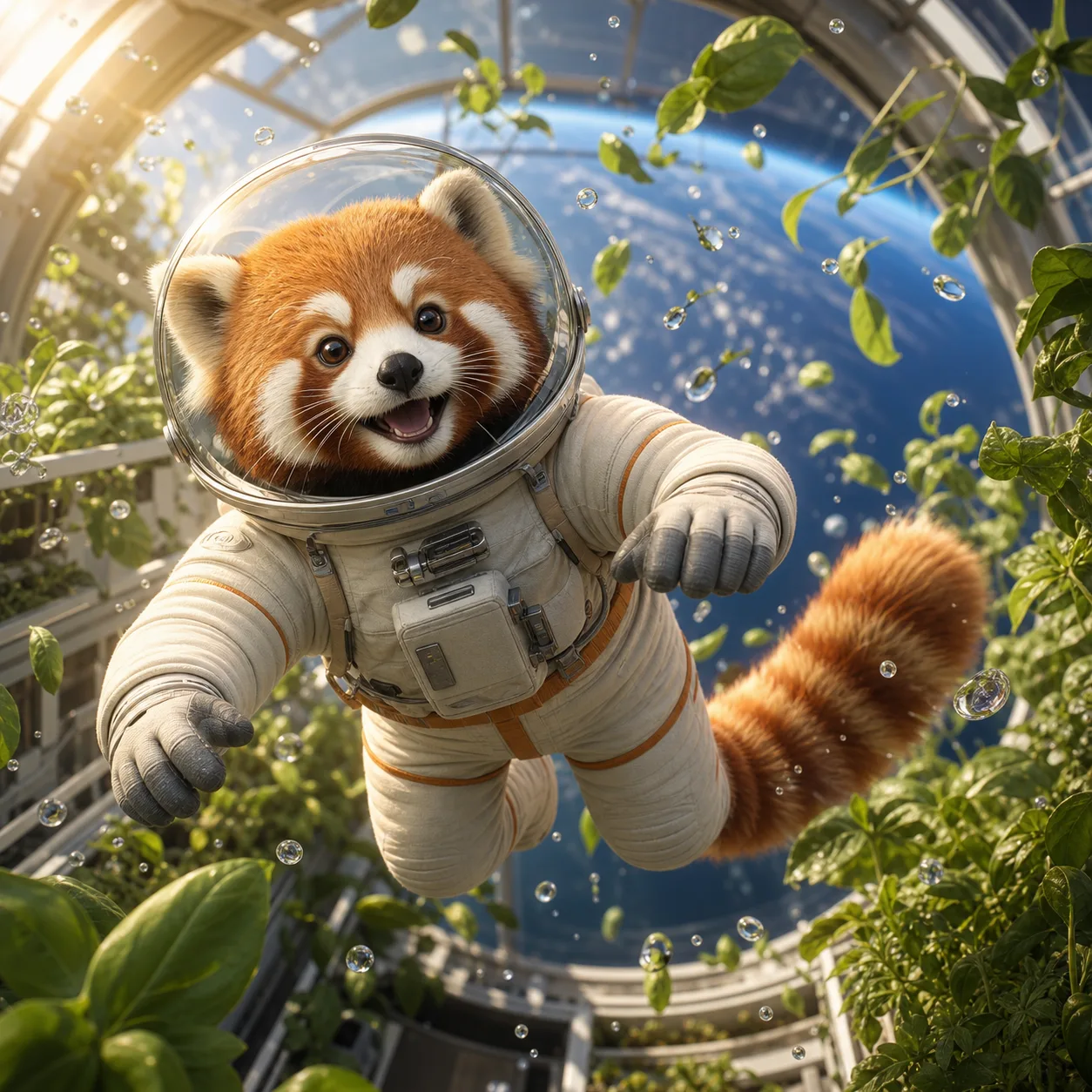
A character-led square result that combines a clear subject, playful detail, and cinematic 3D lighting.
Prompt
A red panda astronaut floating inside a bright orbital greenhouse, surrounded by leaves and tiny droplets in zero gravity, cinematic 3D animation still.
Use this AI image workflow to build stronger hooks, sharper covers, faster variations, and more focused creative for social and launch content.
Create striking visuals for posts, replies, threads, and trend content that need stop-and-look energy.
Design frame-one artwork that looks stronger in short-form feeds, promo tiles, and creator content.
Push faces, products, scenes, and contrast toward the kind of bold visual tension that earns more clicks.
Build visuals for new releases, waitlists, launch posters, drops, and announcement banners without a long design cycle.
Use the live controls on this page as the source of truth, and keep these practical limits in mind before generating.
Answers before you generate.
It turns prompts and reference frames into social visuals, launch art, covers, posters, and campaign drafts with Grok Imagine or GPT Image 2.
Because it is good at eye-catching composition, bold contrast, fast style variation, and attention-first visuals that fit the first frame of social content.
The appeal is sharper prompt following, stronger photoreal and stylized range, and easier remixing from one source image. Grok text to image can return up to six results for faster comparison.
Use it for social covers, thumbnail concepts, launch posters, product-drop graphics, meme-style images, and campaign drafts.
This page supports text to image and image to image. Grok text to image returns up to six results, while Grok reference-image remix returns one image. GPT Image 2 returns one image with 1K, 2K, or 4K resolution controls.
Start with the platform, mood, subject, and hook. Compare the returned results, keep the strongest direction, and use image remix when one frame is close.
Sign in to use any free credits available on your account. The generator shows the current credit cost before you submit, and failed generations are refunded automatically.
Turn hooks, launch ideas, and reference frames into comparable visuals. When the still is ready, continue into Grok Image to Video and animate the direction that won.