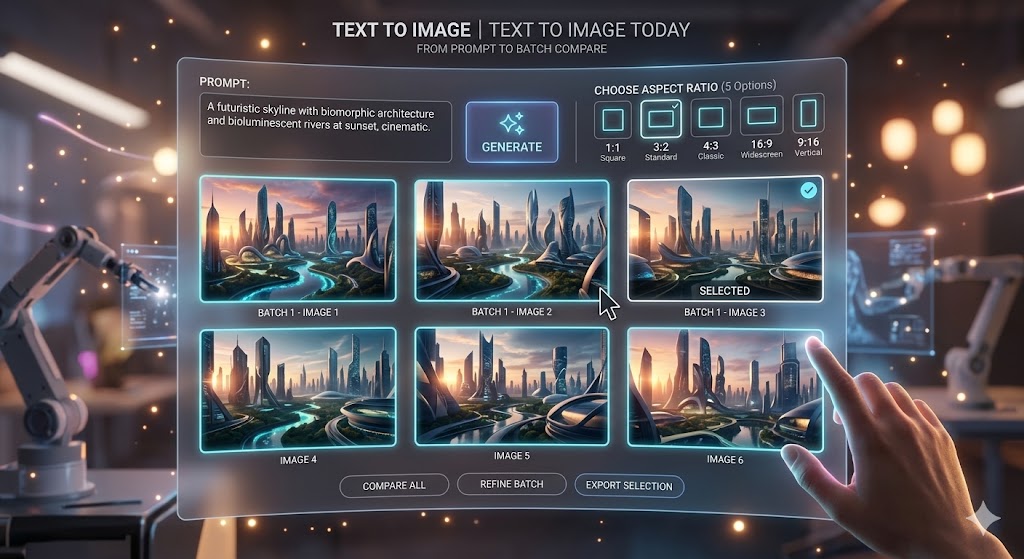
Create and compare image directions
Start with a prompt or reference image, compare the returned results, and keep the frame that best matches the intended channel.
Open image generatorGrok Image
Create AI images and short videos with Grok Imagine
Start with a prompt or reference image, compare results, and animate your strongest frame.
Your image preview will appear here.
Set your options on the left, then start a generation.
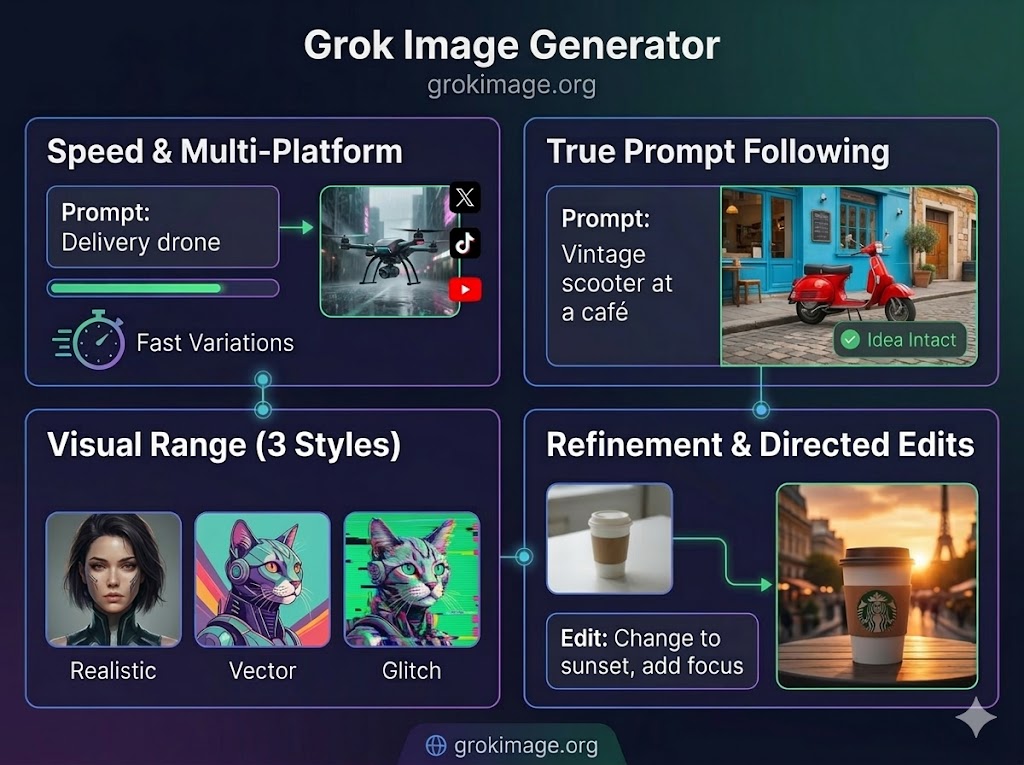
Use Grok Image to explore the Image 2.0 release, create prompt-based images with the models available here, remix reference images, and prepare campaign visuals without exaggerated performance claims.
Turn a plain prompt into multiple visual directions with photoreal, stylized, and social-ready options you can compare before choosing a final image.
Generate image options for portraits, product concepts, landscapes, and social posts, then keep the direction that best matches your prompt.
Upload a source frame when you want to preserve the subject or composition while changing the lighting, style, mood, or format.
Move from an idea or reference image to comparable results in three direct actions.
Write a focused prompt, or upload a reference image when you already have a frame worth reshaping.
Select the model, aspect ratio, and resolution that fit the channel where the image will be used.
Review the returned results, save the strongest image, or continue with the winning frame in the video generator.
Preview selected site-owned image and video generations, then copy the prompt and try the direction in the generator.
Site-owned image
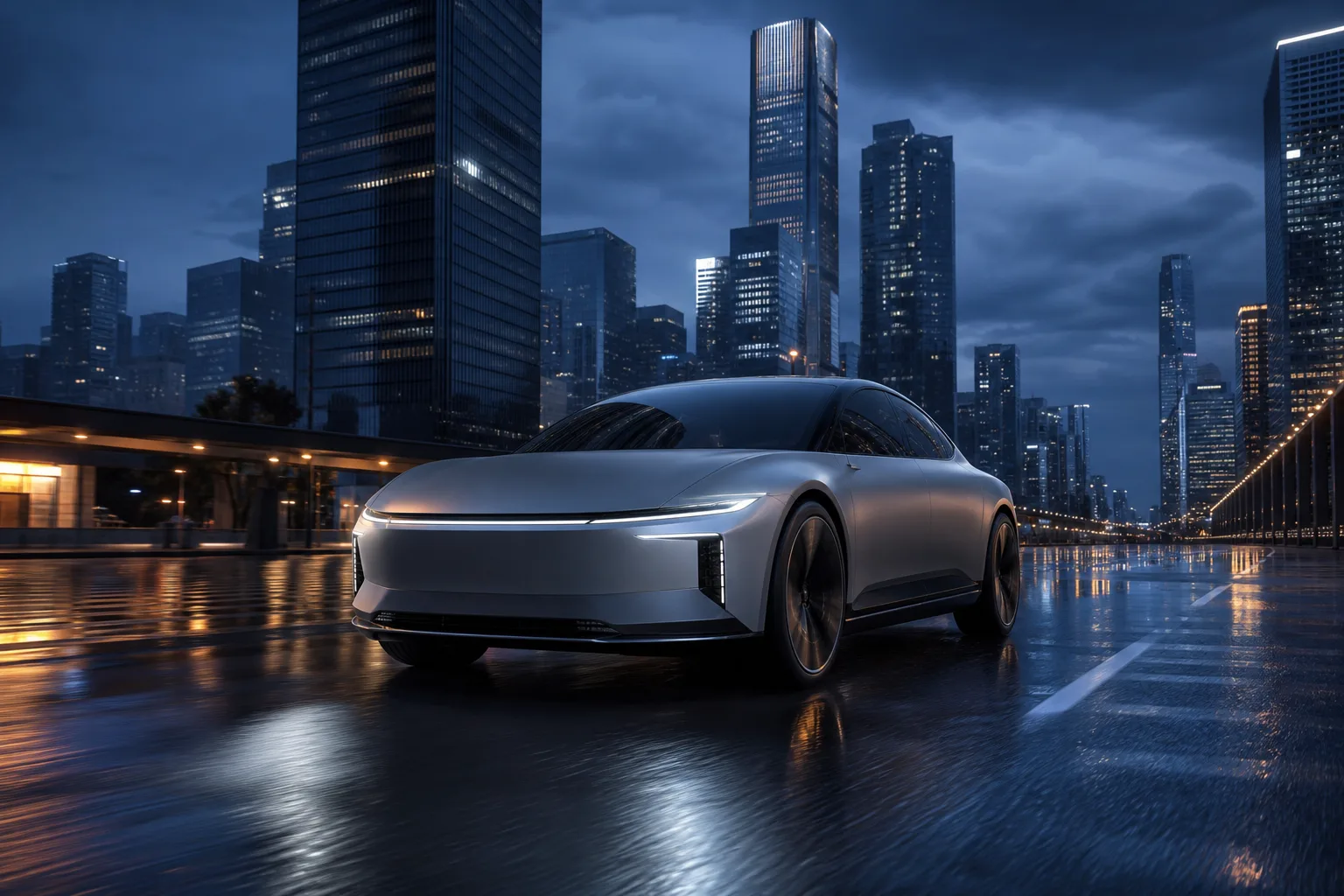
A real site-owned image generation with controlled reflections, a clear automotive subject, and a cinematic city backdrop.
A matte silver electric concept car driving through a rain-slick futuristic city at blue hour, low three-quarter angle, controlled reflections, premium campaign photography.
Keep the full creative path on Grok Image, from the first prompt to a motion-ready result.
Start with a prompt or reference image, compare the returned results, and keep the frame that best matches the intended channel.
Open image generator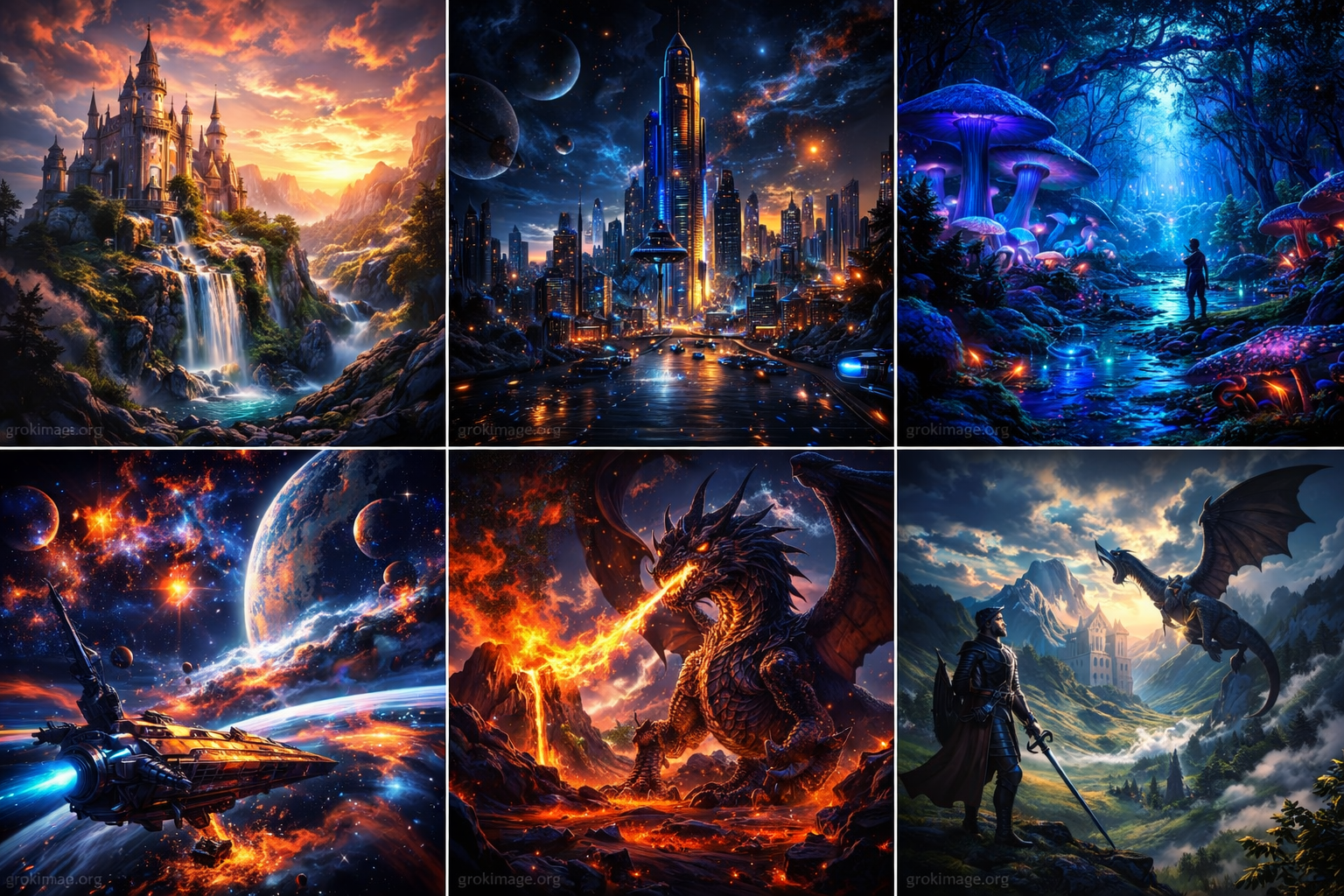
Move the approved image into the video workflow, add a focused motion prompt, and choose duration, framing, and resolution.
Open video generatorLatest model guides
Compare the newest image and video workflows, verify what each release claims, and use the controls on each page as the source of truth for what this independent integration supports today.
Review the official Image 2.0 release, study credited examples from X, and start an image workflow with the model currently selected in the generator.
Explore Image 2.0Generate a short clip from text or one source image, with duration, framing, and output controls built into the focused model workflow.
Explore Video 1.5Buy one-time credits for supported Grok Image image and video workflows. Purchased credits are added after payment confirmation and do not expire while your account remains active and in good standing.
New accounts currently receive 4 free credits valid for 90 days.
Includes
Includes
Everything in Pro, plus
Credit use depends on the selected model, output size, and video duration. The checkout packs do not change model pricing.
4 credits create from text, edit one to five references, or edit selected areas. Area maps use 0 credits, and output count is provider-determined.
One image costs 3, 5, or 8 credits at 1K, 2K, or 4K.
An 8-second clip costs 20 credits at 480p or 36 credits at 720p. Other durations are calculated from the live model settings.
Learn how Grok Image supports prompt-based images, reference image remixing, and short video handoff.
Grok Image is an AI image generator for creating visuals from prompts or reference images. It helps creators compare multiple results and move strong frames into short video workflows.
Choose Grok Image when you want a simple workflow for prompt generation, image-to-image remixing, and creative iteration without switching tools.
Generation speed depends on model load and request type, but the workflow is designed for quick iteration and easy result comparison.
Grok Image 2.0 refers here to the announced Grok Imagine Image 2.0 release. Review the dedicated release guide and public X examples; the live model selector remains the source of truth for generation on this site.
Paid users can use generated content commercially, subject to the Terms of Service and any restrictions from the underlying model providers.
Grok Image uses one-time credit packs. Buy credits once, use them across supported image and video workflows, and top up when you need more.
Yes. Start with a prompt, choose an aspect ratio, and compare generated results. You can also upload a reference image when you want to reshape an existing visual.
Grok Image keeps image generation, reference remixing, and video handoff close together so creators can move from idea to usable visual assets faster.